Hi James,
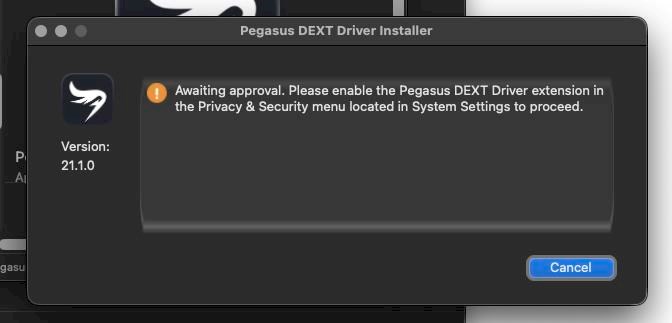
For some reason Apple has been moving the location of driver enable button in different versions of macOS.
You can find the location of the enable button with the systemextensionsctl list terminal command.
promise@promises-Mac-Pro ~ % systemextensionsctl list
1 extension(s)
--- com.apple.system_extension.driver_extension (Go to 'System Settings > General > Login Items & Extensions > Driver Extensions' to modify these system extension(s))
enabled active  teamID  bundleID (version)      name    [state]
*       *       268CCUR4WN      com.promise.driverkit.pegasuspro (22.1.7/1)     com.promise.driverkit.pegasuspro        [activated enabled]
promise@promises-Mac-Pro ~ %
This Mac Pro is running Tahoe BTW.
System Settings > General > Login Items & Extensions > Driver Extensions' to modify these system extension(s)
Note, in Tahoe they have hidden this option, in the Login Items and Extensions tab, you have to scroll down and select Categories to see the Driver Extentions option. In Sierra there is no Categories tab and you will see it directly.